NATIVE IOS APP  ·  IPHONE & IPAD

Native camera control.

Compatible with modern Fujifilm cameras.

Sign Up for Beta Access

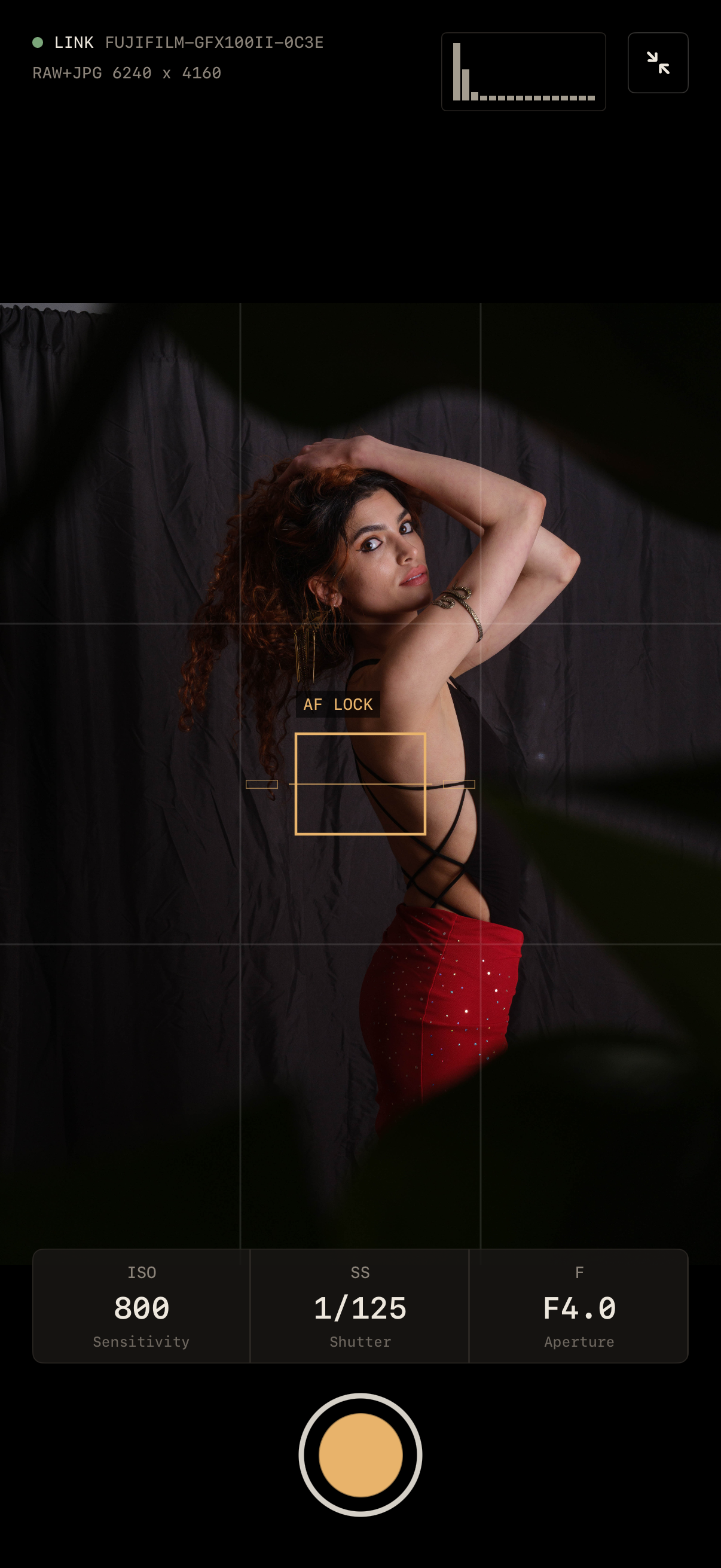
(All photos are screenshots, not mockups. All images taken by me. Images were fed to the app for making this website because my living room is boring, but the histograms are real.)
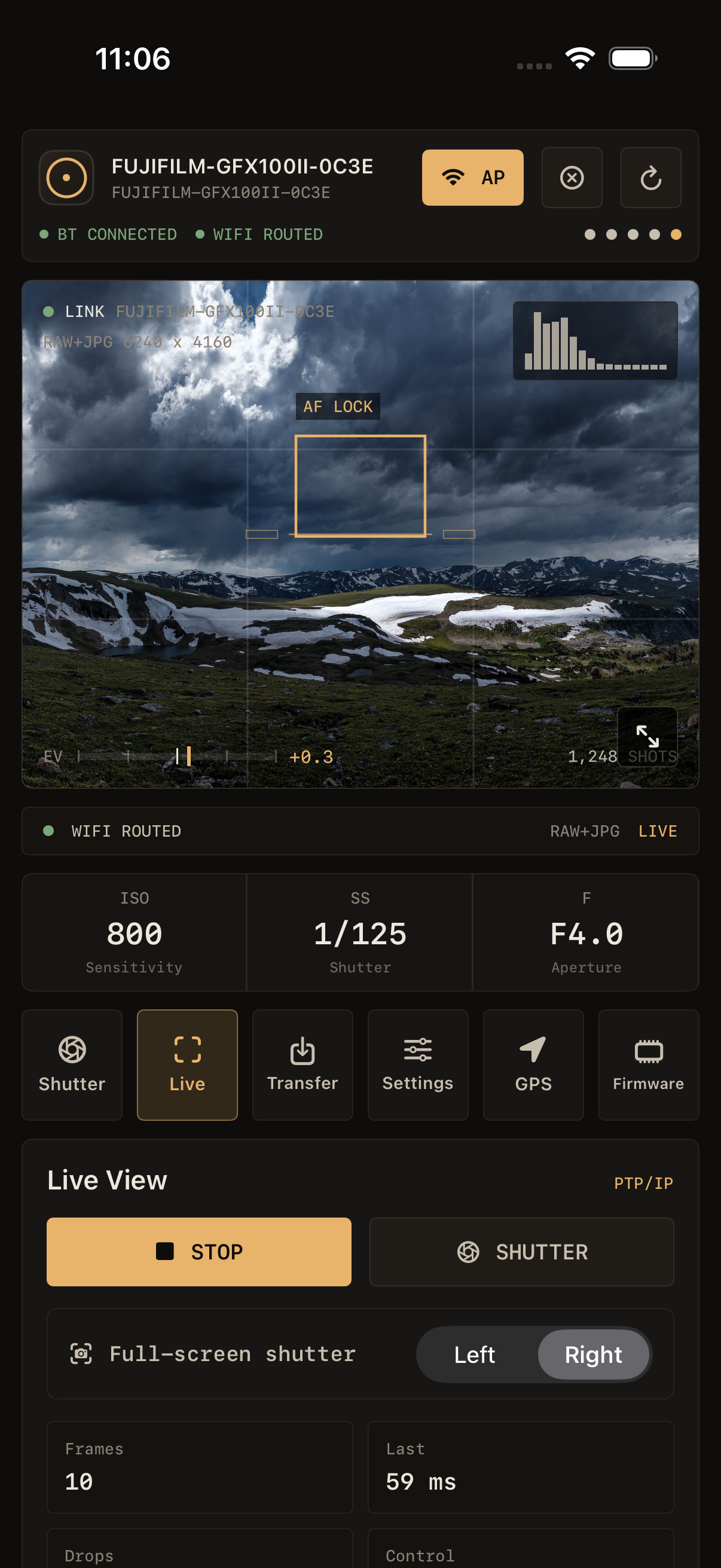
Fujikage live view on iPhone
BLE PAIRING
LIVE VIEW
GPS SYNC
IMAGE TRANSFER
CAMERA SETTINGS MANAGEMENT

WORKFLOWS

YAPAWP

Yet Another Photography App Written by a Photographer

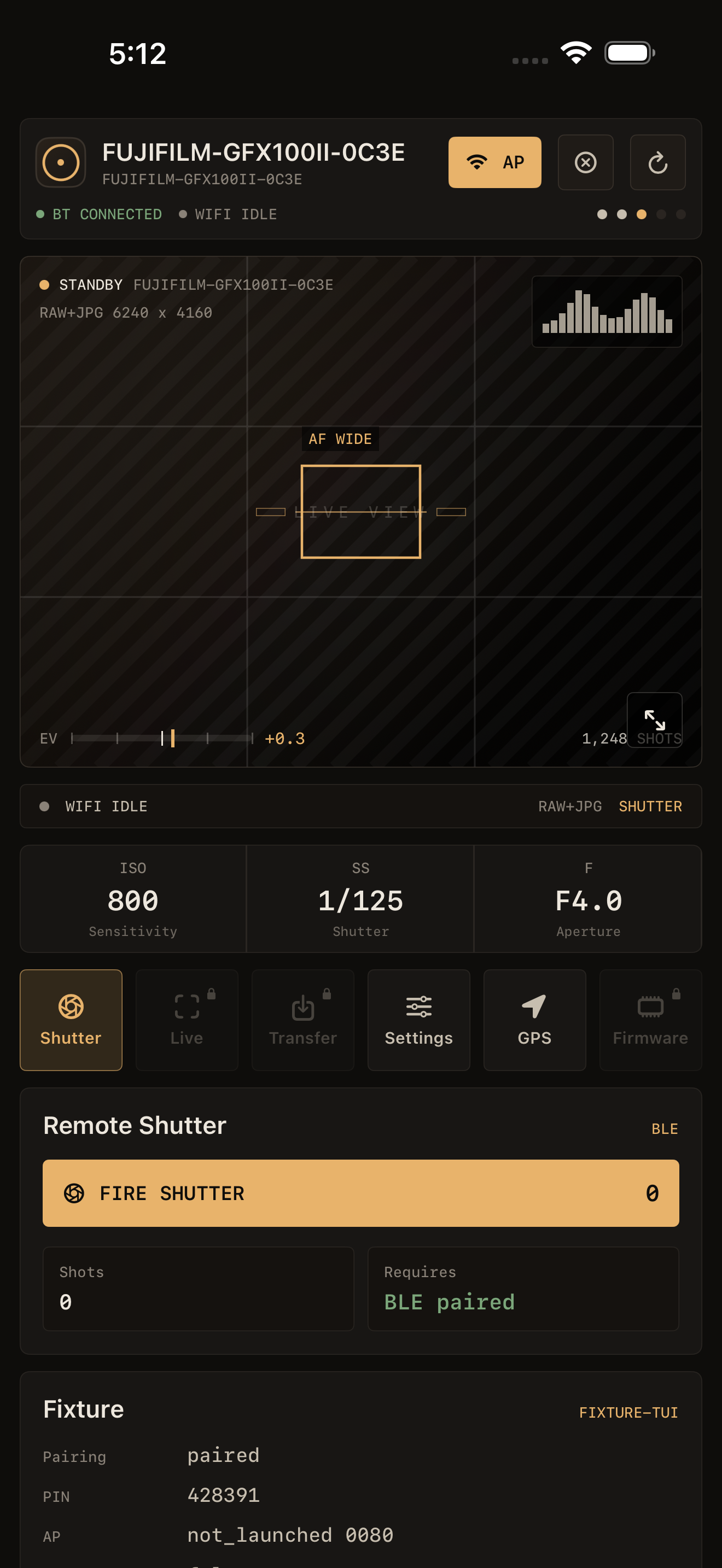
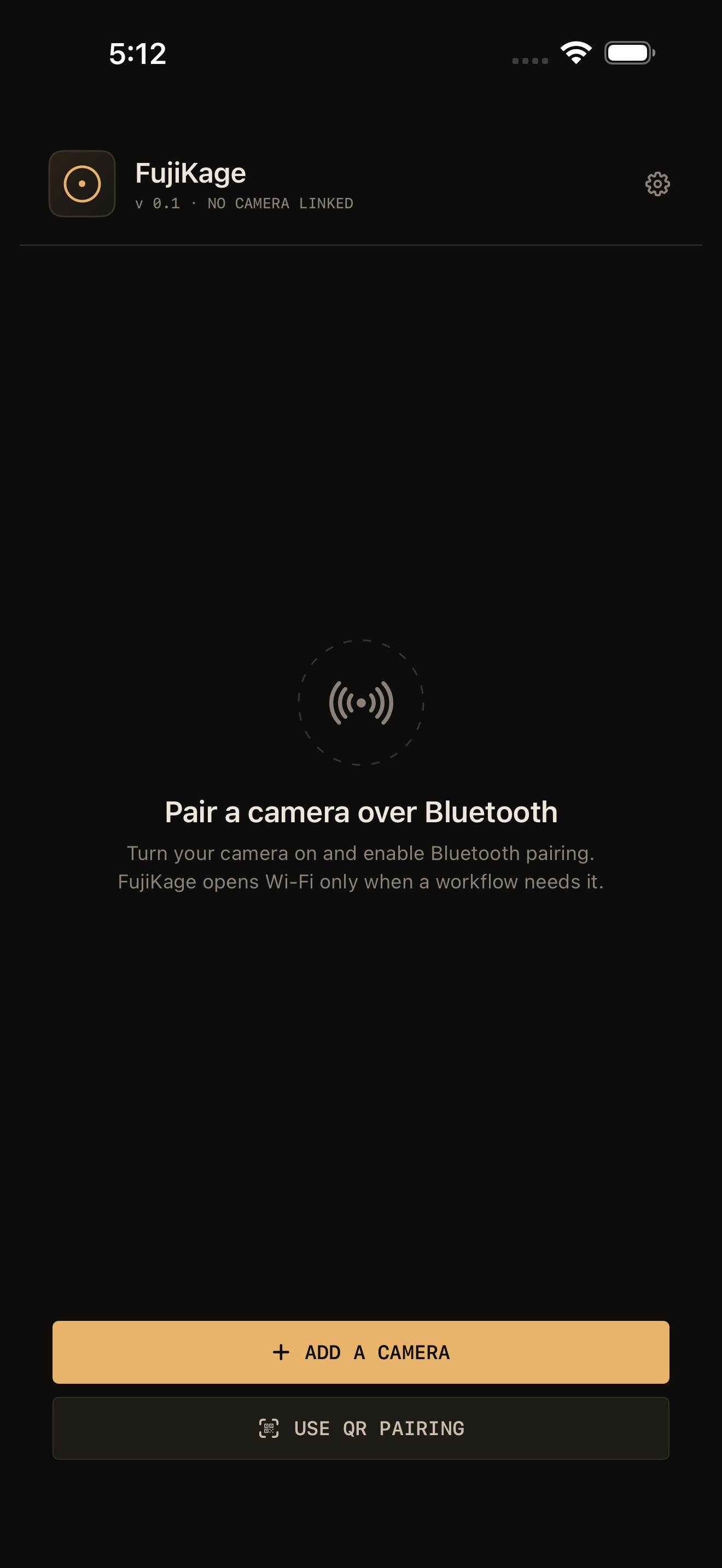
Pairing screen Main controls

01  /  CONNECT

Bluetooth pairing...

Surprisingly, this was the big one. Reliable BLE pairing is harder than it looks — so I built it right, from scratch. Yay.

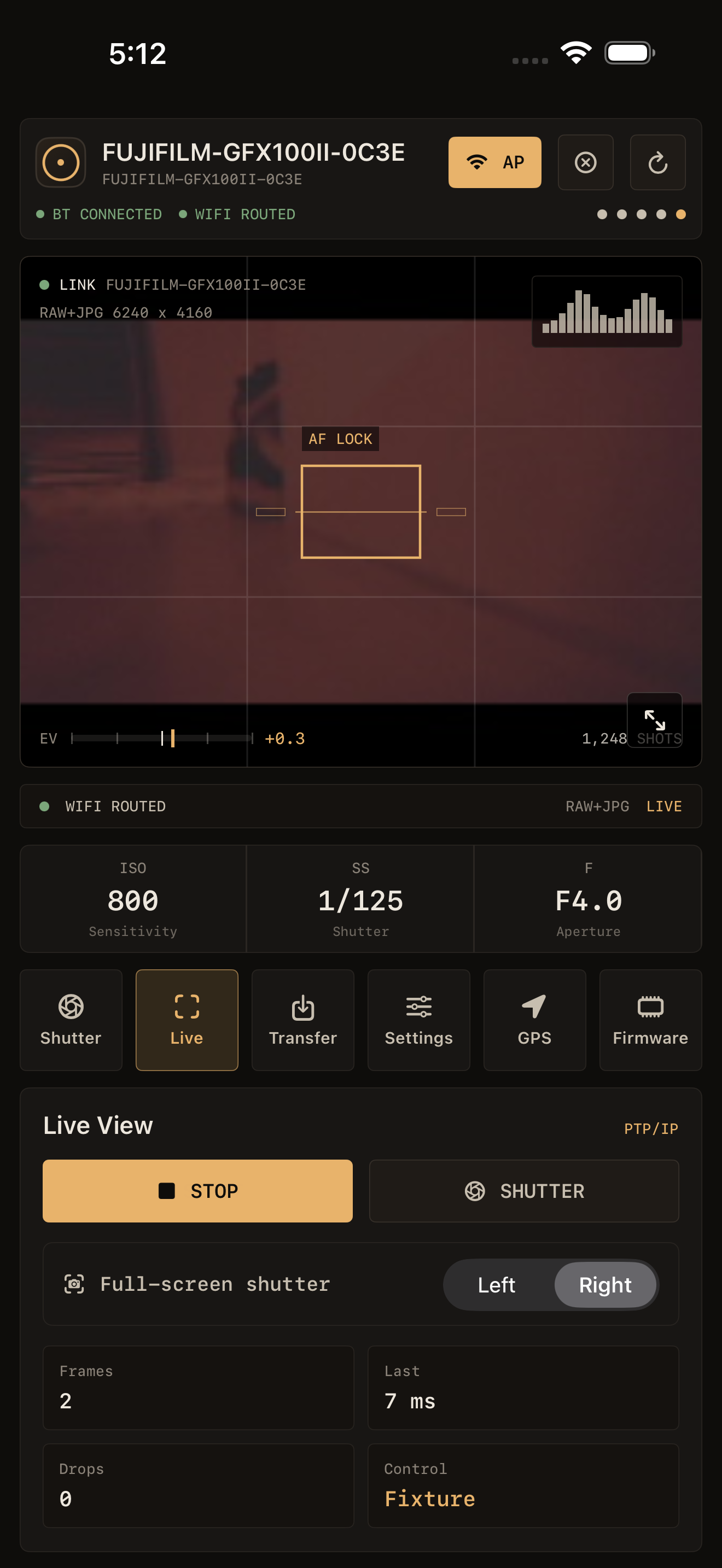
02  /  LIVE VIEW

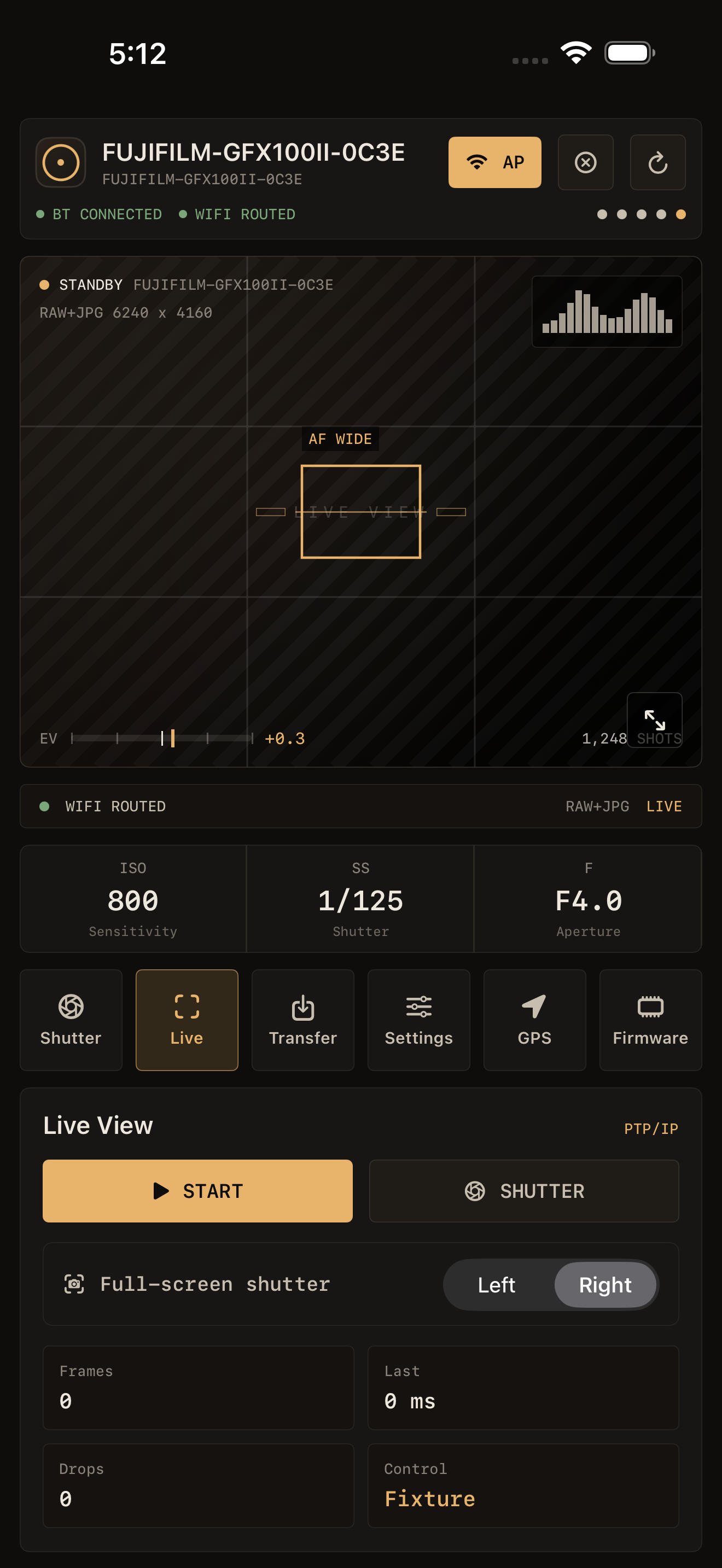
Camera-paced live view with the "big 3" controls you care about during a shoot.

Fujikage dedicates your Wi-Fi connection to the camera and gets out of its own way — so the frame rate you see is the frame rate your camera is delivering, not what's left after competing for bandwidth.

Live view Live view fullscreen
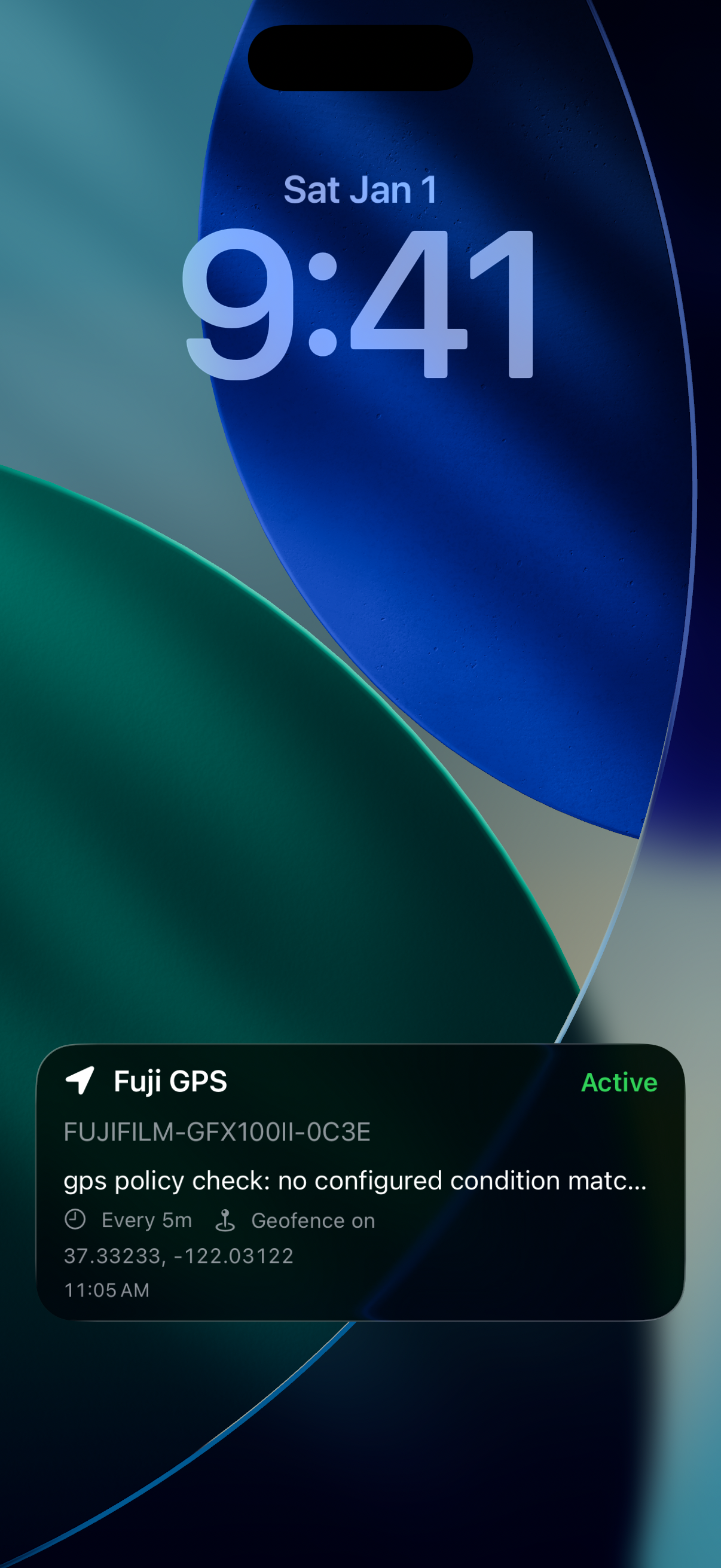
GPS Live Activity on lock screen

03  /  GPS SYNC

Continuous GPS tagging over Bluetooth.

I like to geotag my photos while hiking. Fujikage uses your device's native long-lived activity capabilities to stay alive without draining your battery or keeping your screen on. Use time (every 5 minutes) and/or geofencing (every 5 meters) to keep your photos geotagged based on rules you set. Keep your phone in your pocket where it belongs.

04  /  TRANSFER

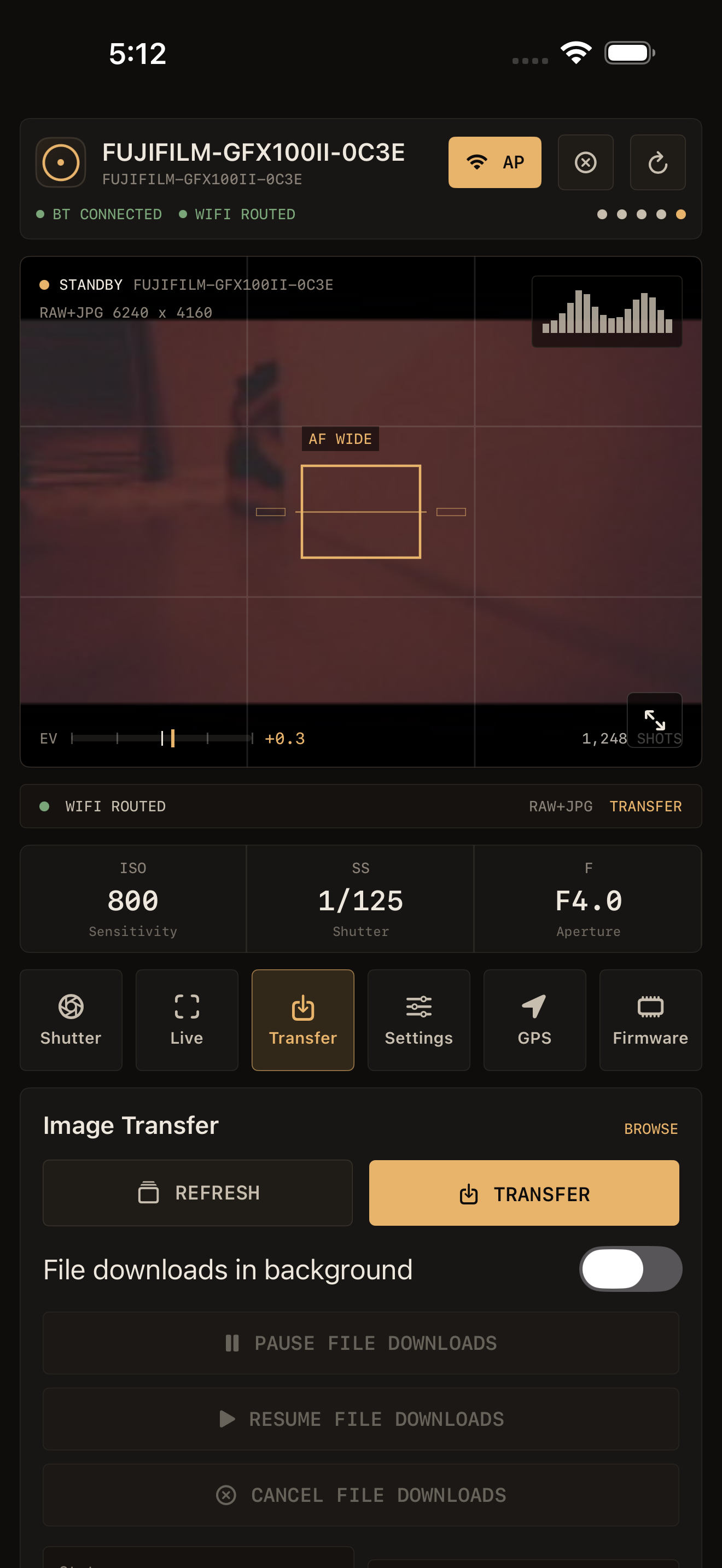
Background image transfer with Live Activity progress.

Files transfer quickly over fast Wi-Fi in the background while you keep shooting. Show someone their photos the moment you're done — no waiting, no babysitting a progress bar. Raw photos? More like "Rawr, photos!"

Image transfer
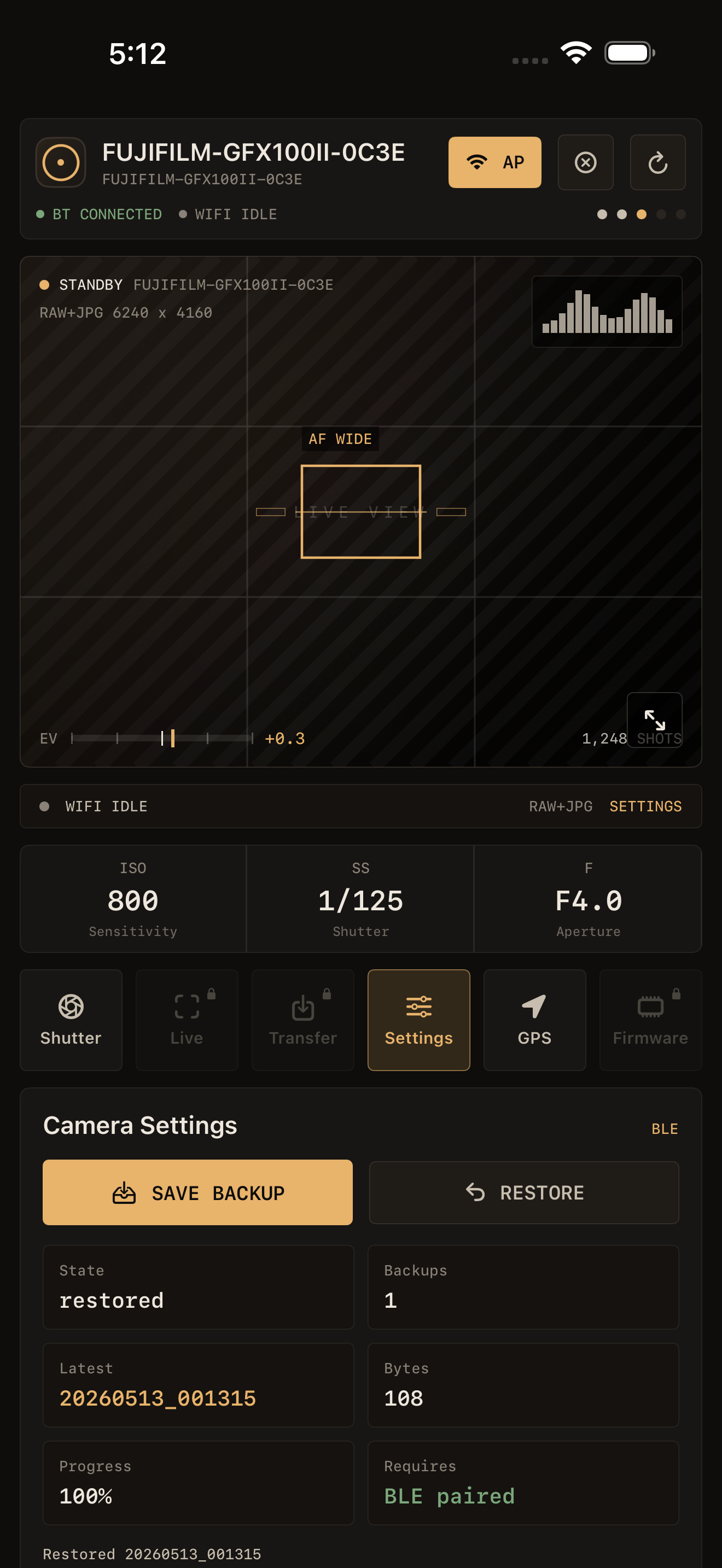
Camera settings Camera Wi-Fi

05  /  SETTINGS

Camera setting control over BLE.

Don't just backup/restore your settings. Fix them. Cameras ship with default settings that result in a ... suboptimal experience. Fujikage can fix them for you.

UNDER THE HOOD

Built differently.

01

Fully tested. 100% coverage.

Application state is composable and deterministic — no hidden side effects, no "it works on my phone" surprises. (And if it does, I can reproduce your issue very easily if you opt-in to crash reports.)

02

Clean-room design.

Built independently from the ground up, with no shared code or dependencies outside of Apple's own frameworks.

03

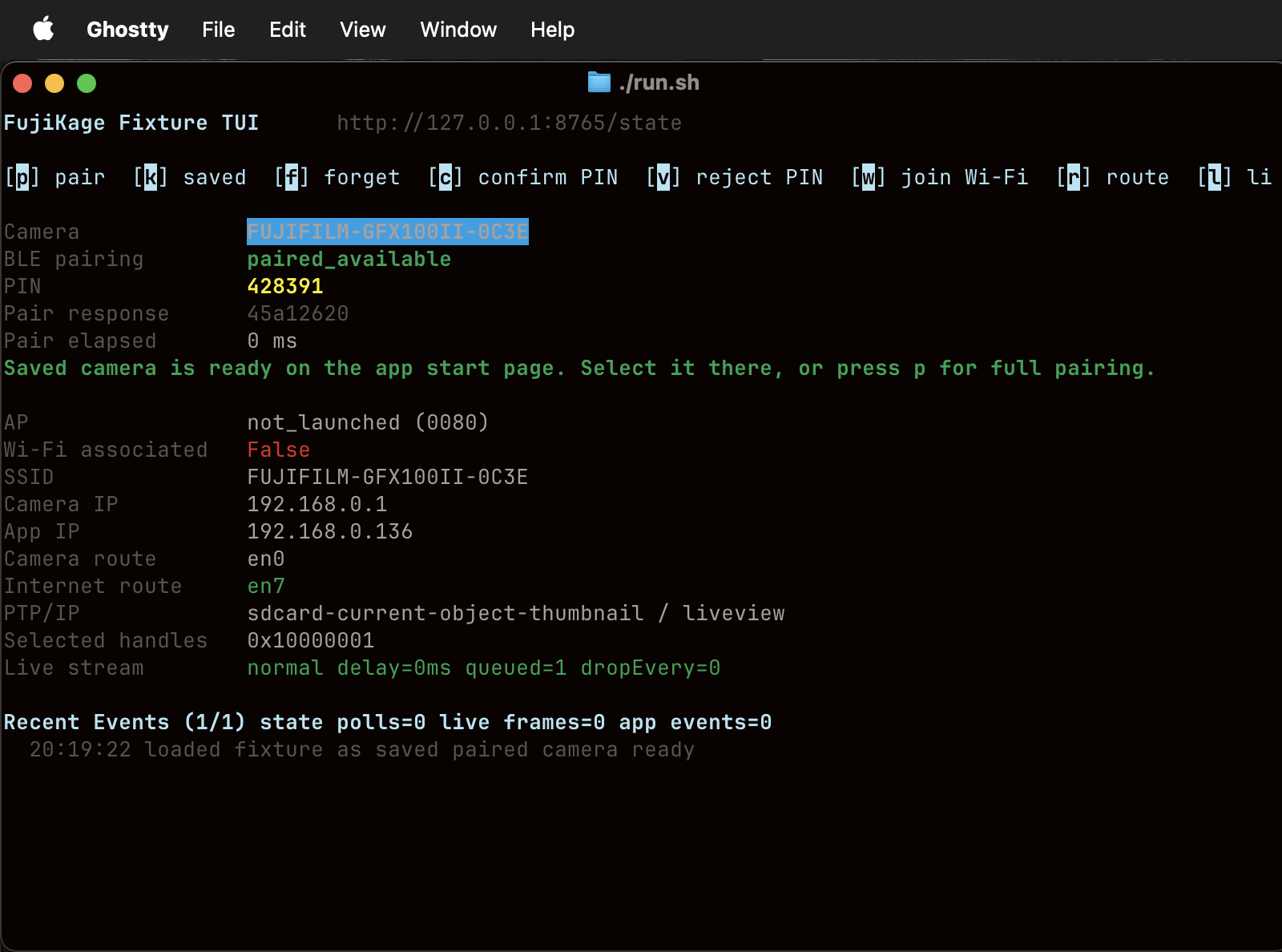
I wrote a whole terminal app to just to simulate a camera. Really.

The fixture TUI runs in a terminal and faithfully simulates the full camera conversation — BLE pairing, PIN confirmation, AP launch, Wi-Fi association, live view, and transfer — so every code path is exercised before my gfx100ii is even involved.

04

Rust camera primitives.

Mostly because Rust is Cool. But practically: a bugfix to a shared camera primitive propagates to every supported model at once, not camera by camera. And, Rust is Cool.

FujiKage fixture TUI running in a terminal, simulating a paired camera

FIXTURE TUI — SIMULATED CAMERA IN A TERMINAL

IPAD

Purpose-built for iPad.

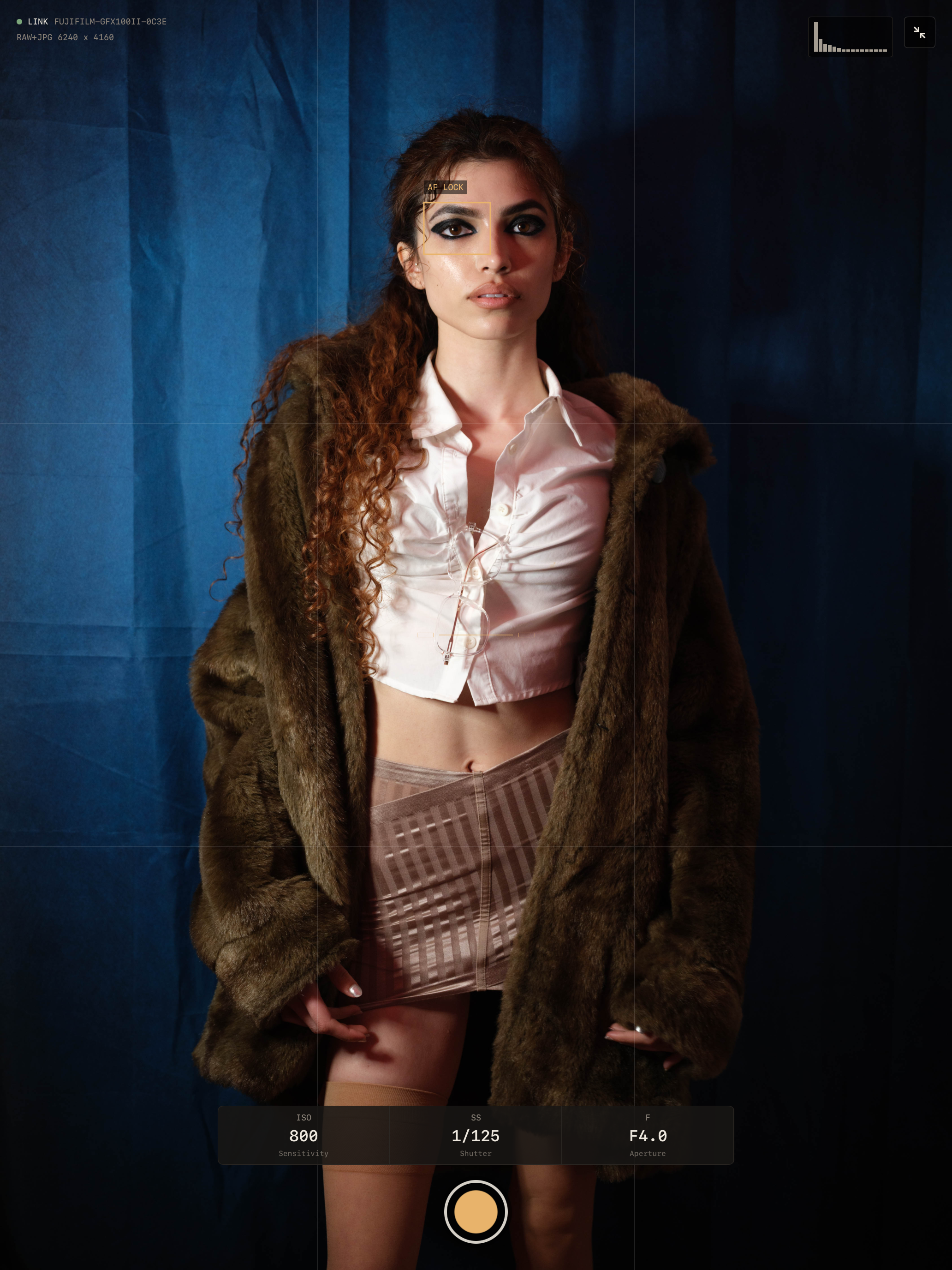
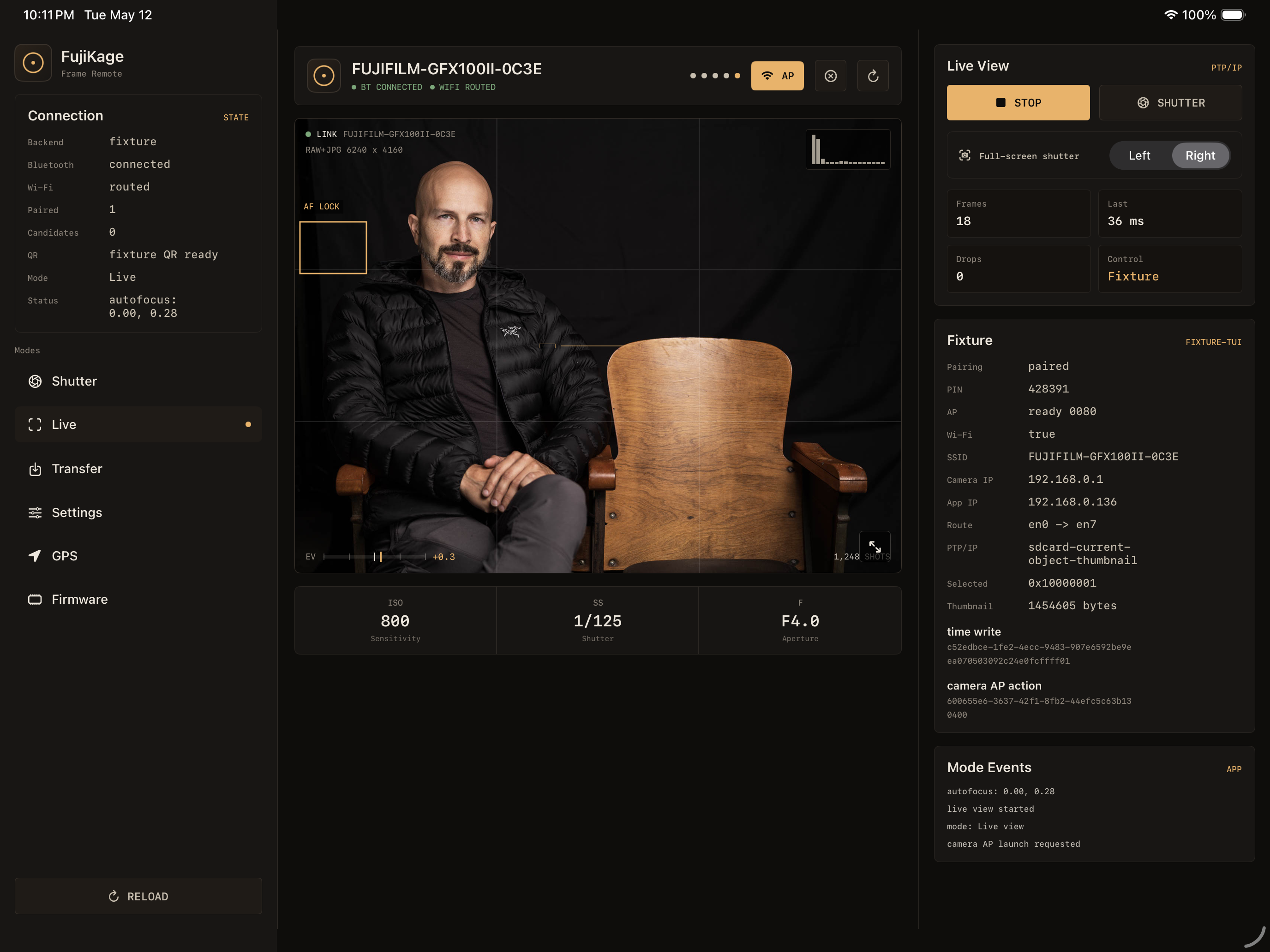
iPad remote viewing is why I started making this app in the first place. My model needs to be able to see what I see.

iPad fullscreen live view
iPad full screen view 👩‍🍳💋
iPad horizontal live view with controls
Yep... that's me. I bet you're wondering how I got here...

BETA ACCESS

Join the beta.

Fujikage is in active development. Sign up to be notified if you want to join the TestFlight beta.

COMPATIBLE CAMERAS
Modern Fujifilm X-series and GFX cameras.

Select all that apply — I'll prioritize beta testers that have access to cameras that I don't.

Select all that apply.